AI image generators have gone from a novelty to a real part of the content creation workflow — for bloggers, marketers, designers, and social media managers alike. But with so many tools out there, picking the right one depends on what you actually need: hyper-realistic art, fast marketing graphics, or something you can safely use in client work.
In this guide, we compare the most popular AI image generators — Stable Diffusion, Leonardo AI, Ideogram, Adobe Firefly, Canva AI (Magic Media), and Midjourney — ordered from the most free-friendly option to the most paid-focused one, across the six things that actually matter: image quality, ease of use, prompt understanding, editing tools, commercial use rights, and pricing.
Quick Comparison Table
| Tool | Image Quality |
Ease of Use |
Prompt Understanding |
Editing | Commercial Use |
Pricing |
|---|---|---|---|---|---|---|
| Stable Diffusion | ★★★★☆ | ★★★☆☆ | ★★★☆☆ | ★★★★★ |
☑ Fully open-source |
Free (self-host) / paid hosts |
| Leonardo AI | ★★★★☆ | ★★★★☆ | ★★★★☆ | ★★★★☆ | ☑ Paid plans |
Free tier + $10/mo+ |
| Ideogram | ★★★★☆ | ★★★★☆ |
★★★★★ (great with text) |
★★★★☆ | ☑ Paid plans |
Free tier + $8/mo+ |
| Adobe Firefly | ★★★★☆ | ★★★★☆ | ★★★★☆ | ★★★★★ |
☑ Commercially safe |
Free tier + $9.99/mo+ |
| Canva AI (Magic Media) |
★★★☆☆ | ★★★★★ | ★★★☆☆ | ★★★★★ |
☑ With Canva Pro |
Free tier + $12.99/mo |
| Midjourney | ★★★★★ | ★★★☆☆ | ★★★★☆ | ★★★☆☆ | ☑ Paid plans | $10–$120/mo |
1. Stable Diffusion — Best for Full Creative Control (and Truly Free)
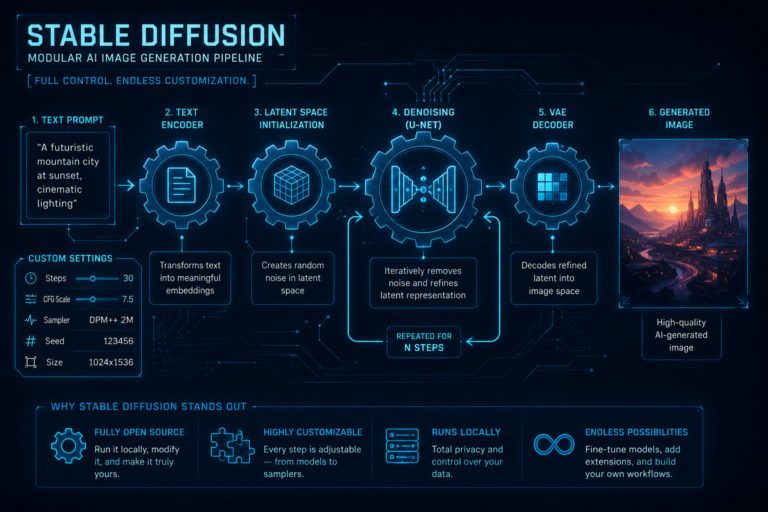
Stable Diffusion is open-source, meaning you can run it locally, fine-tune your own models, and customize every part of the pipeline for free. It’s the choice for people who want maximum control and don’t mind a technical setup.
- Image quality: Excellent, and endlessly customizable via community models (like on Civitai).
- Ease of use: Steepest learning curve — best used through interfaces like Automatic1111 or ComfyUI.
- Prompt understanding: Good, but often needs more precise prompt syntax to get consistent results.
- Editing: Best-in-class for advanced users — inpainting, outpainting, ControlNet, LoRA training.
- Commercial use: Fully open-source license; very flexible.
- Pricing: Free if self-hosted; hosted versions (e.g., DreamStudio) charge per credit.
2. Leonardo AI — Best Balance of Quality and Control for Creators
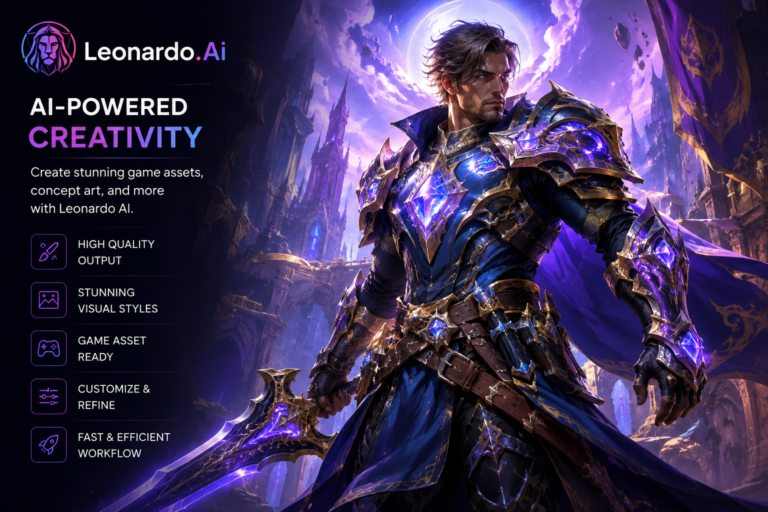
Leonardo AI sits between Midjourney’s polish and Stable Diffusion’s flexibility — strong custom models, a generous free tier, and a more approachable interface than raw Stable Diffusion.
- Image quality: Very good, particularly for game assets, characters, and stylized art.
- Ease of use: Clean web interface with model presets, more approachable than Stable Diffusion.
- Prompt understanding: Strong, with helpful prompt-assist features.
- Editing: Canvas editor with inpainting and image-to-image tools.
- Commercial use: Allowed on paid tiers.
- Pricing: Generous free daily credits; paid plans from about $10/month.
3. Ideogram — Best for Images With Readable Text
Most AI generators famously struggle to render legible text inside images — Ideogram is the standout exception, making it a favorite for posters, logos, memes, and social graphics that need actual words in them.
- Image quality: Very good, with a clean, graphic-design-friendly aesthetic.
- Ease of use: Simple, web-based, no learning curve.
- Prompt understanding: Excellent, especially for typography and layout requests.
- Editing: Basic remix and upscale tools; not a full editor.
- Commercial use: Allowed on paid plans.
- Pricing: Free tier available; paid plans from around $8/month.
4. Adobe Firefly — Best for Commercially Safe, Client-Ready Work
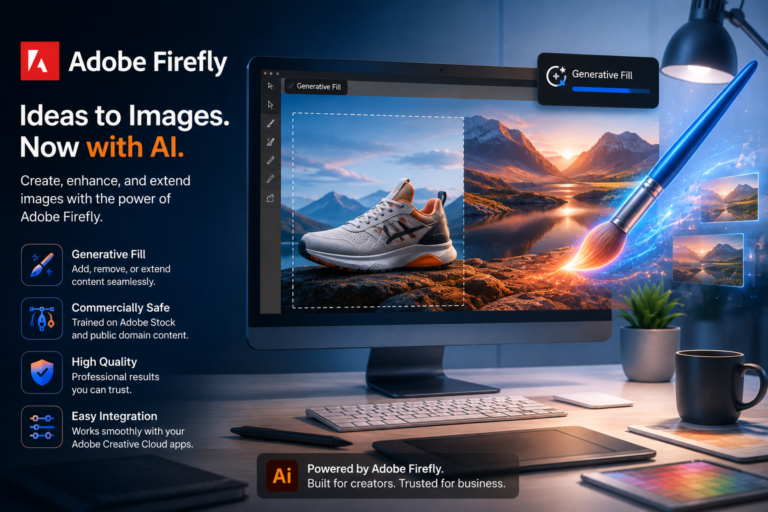
Firefly is trained only on licensed and public-domain content, which makes it the safest choice for agencies and brands worried about copyright exposure. It’s also deeply integrated into Photoshop and Illustrator.
- Image quality: Strong and consistent, especially for product shots, textures, and generative fill.
- Ease of use: Clean, guided interface; integrates smoothly with Adobe apps.
- Prompt understanding: Reliable for straightforward, descriptive prompts.
- Editing: Excellent — Generative Fill and Generative Expand inside Photoshop are industry-leading.
- Commercial use: Built specifically to be safe for commercial and client work.
- Pricing: Free tier with generative credits; paid plans start under $10/month.
5. Canva AI (Magic Media) — Best for Marketers Who Just Need Content, Fast
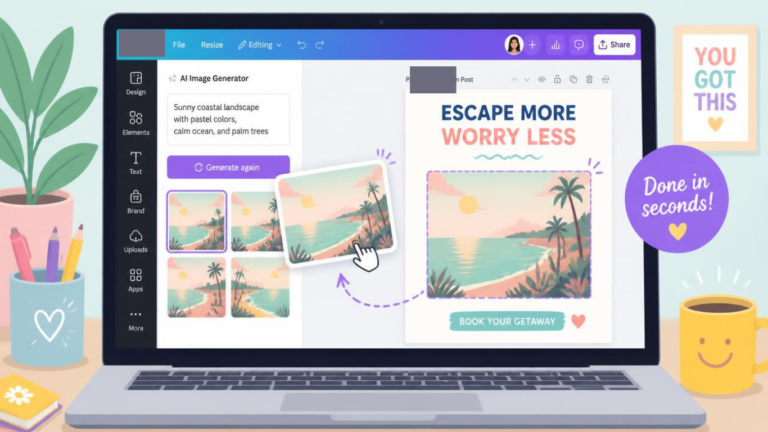
If you’re already living inside Canva for social posts, presentations, and templates, Magic Media is the fastest way to generate an image without ever leaving your design. It’s not aiming for gallery-quality art — it’s aiming for “good enough, right now, inside my existing workflow.”
- Image quality: Solid for social graphics and blog visuals, less impressive for fine art or photorealism.
- Ease of use: Extremely beginner-friendly, drag-and-drop, built right into the editor you may already use.
- Prompt understanding: Decent for simple, direct prompts; struggles with complex multi-element scenes.
- Editing: Huge advantage — instantly combine generated images with Canva’s templates, text, and brand kits.
- Commercial use: Included with Canva Pro/Teams plans.
- Pricing: Free tier included; full features with Canva Pro (~$12.99/month).
6. Midjourney — Best for Artistic, Gallery-Worthy Images
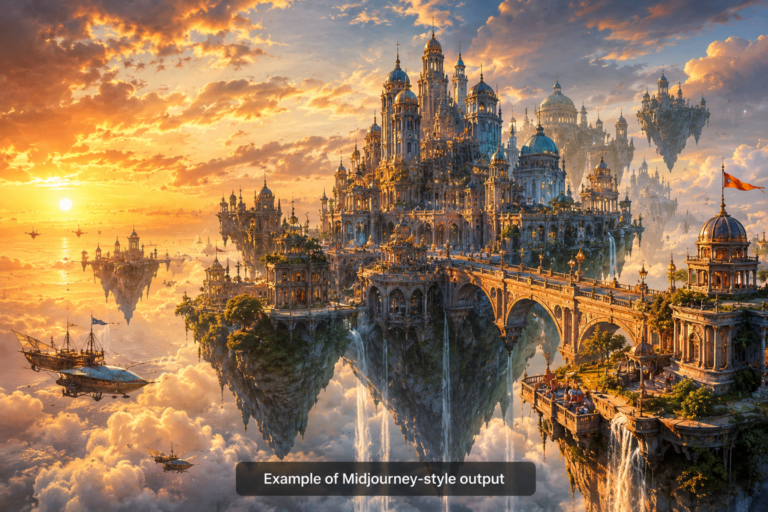
Midjourney remains the gold standard when the goal is pure visual quality — dramatic lighting, rich textures, painterly or photorealistic output. It runs through Discord (or its newer web app), which makes it feel less “point and click” than competitors, and it’s the only tool on this list with no free tier at all.
- Image quality: Consistently the most cinematic and detailed results of any tool on this list.
- Ease of use: Discord-based workflow has a learning curve; the web app has improved this.
- Prompt understanding: Strong, though it leans toward its own “house style” even with literal prompts.
- Editing: Basic in-app variations, zoom-out, and inpainting (Vary Region); not a full editor.
- Commercial use: Allowed on paid plans, with revenue caps for larger companies.
- Pricing: Starts around $10/month, no free tier.
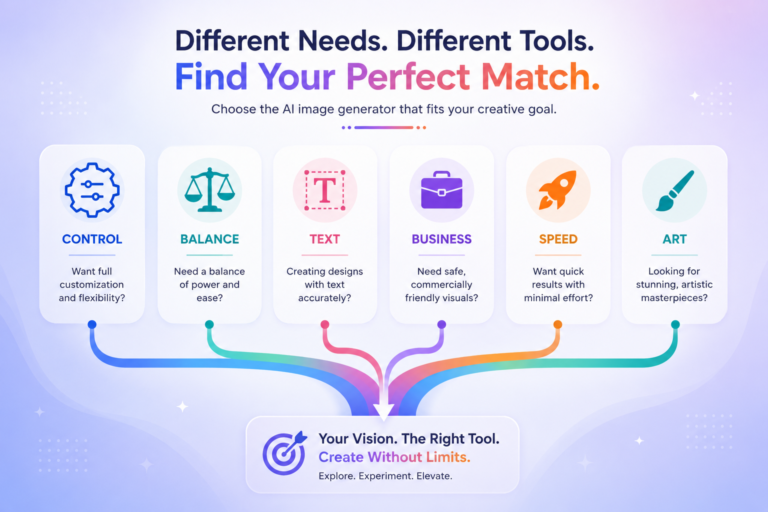
Which AI Image Generator Should You Actually Use?
- Want total creative control and customization, for free? → Stable Diffusion
- Want a strong middle ground with generous free credits? → Leonardo AI
- Need text to actually render correctly in the image? → Ideogram
- Doing client or brand work where copyright safety matters? → Adobe Firefly
- Need quick graphics inside your existing design workflow? → Canva AI
- Want the most stunning, artistic images (and don’t mind paying)? → Midjourney